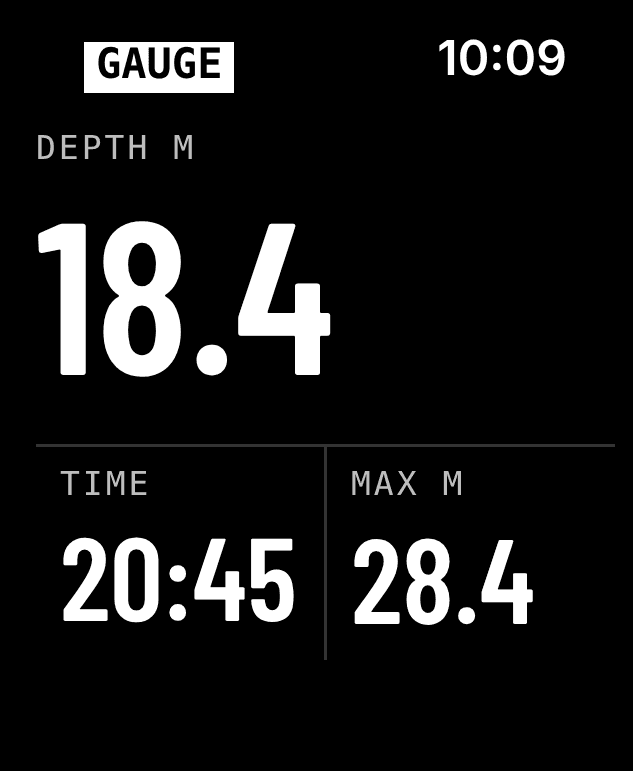
Gauge

- Depth, dive time and max depth
- Max depth alarm and depth sensor warnings
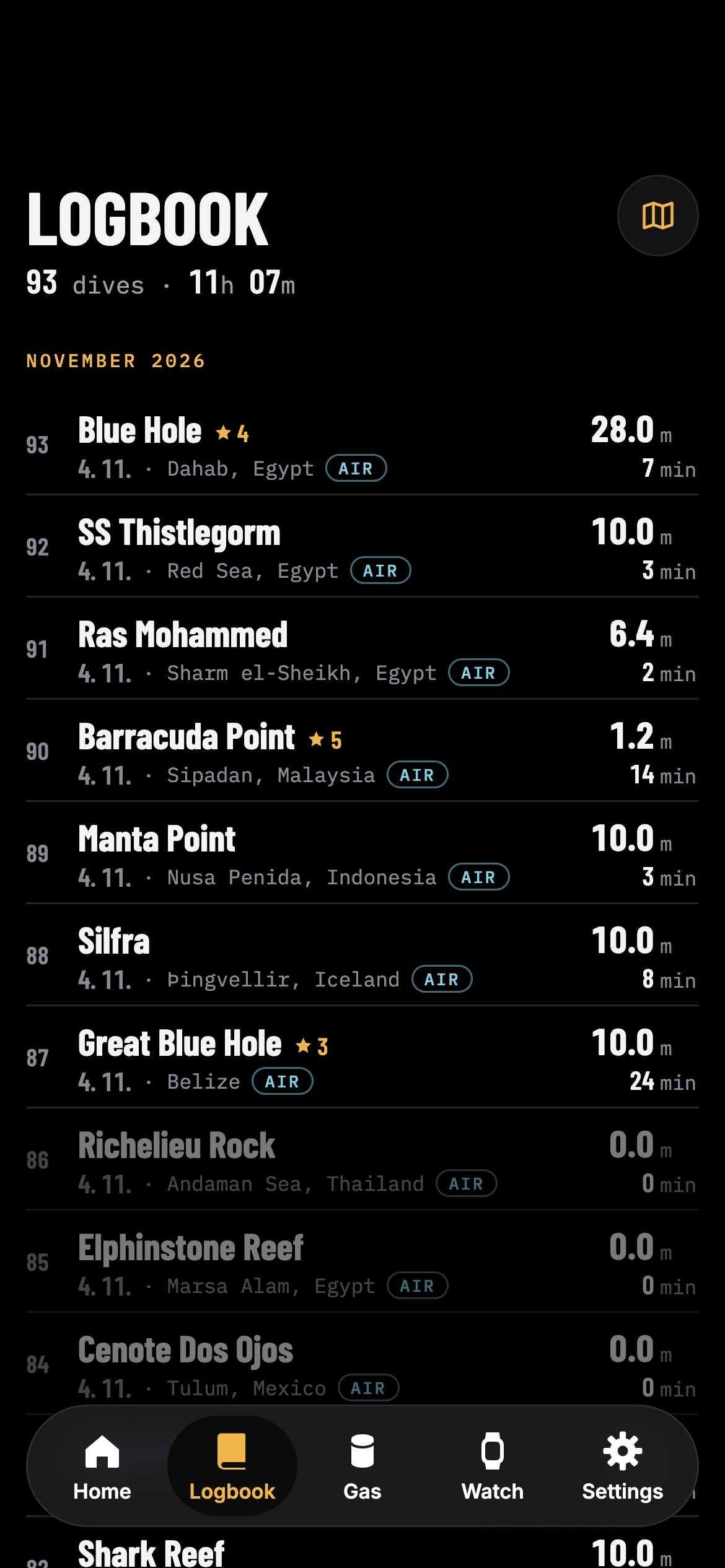
- Logbook on your watch and iPhone, synced after every dive
- Metric or imperial
No NDL, no stops, no gas plan. You plan the dive yourself.
Download freeDIVE COMPUTER FOR APPLE WATCH ULTRA
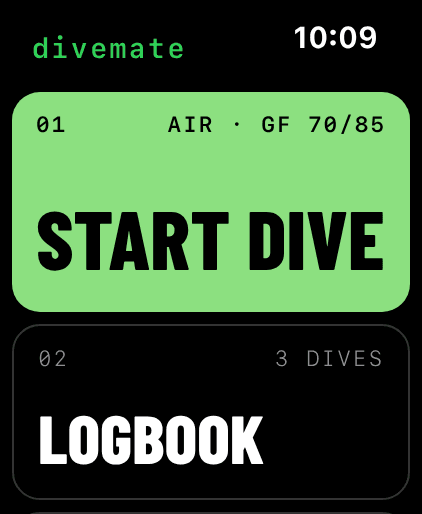
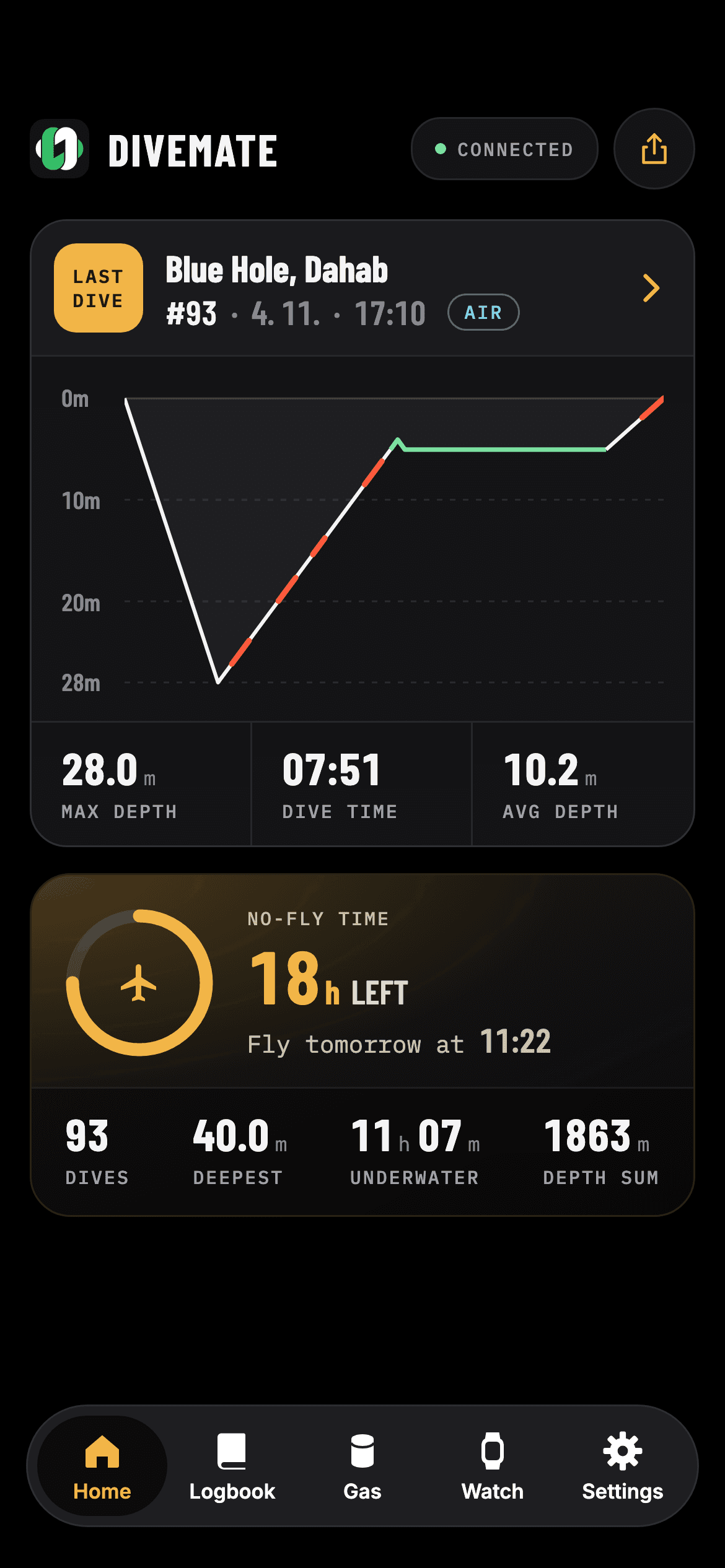
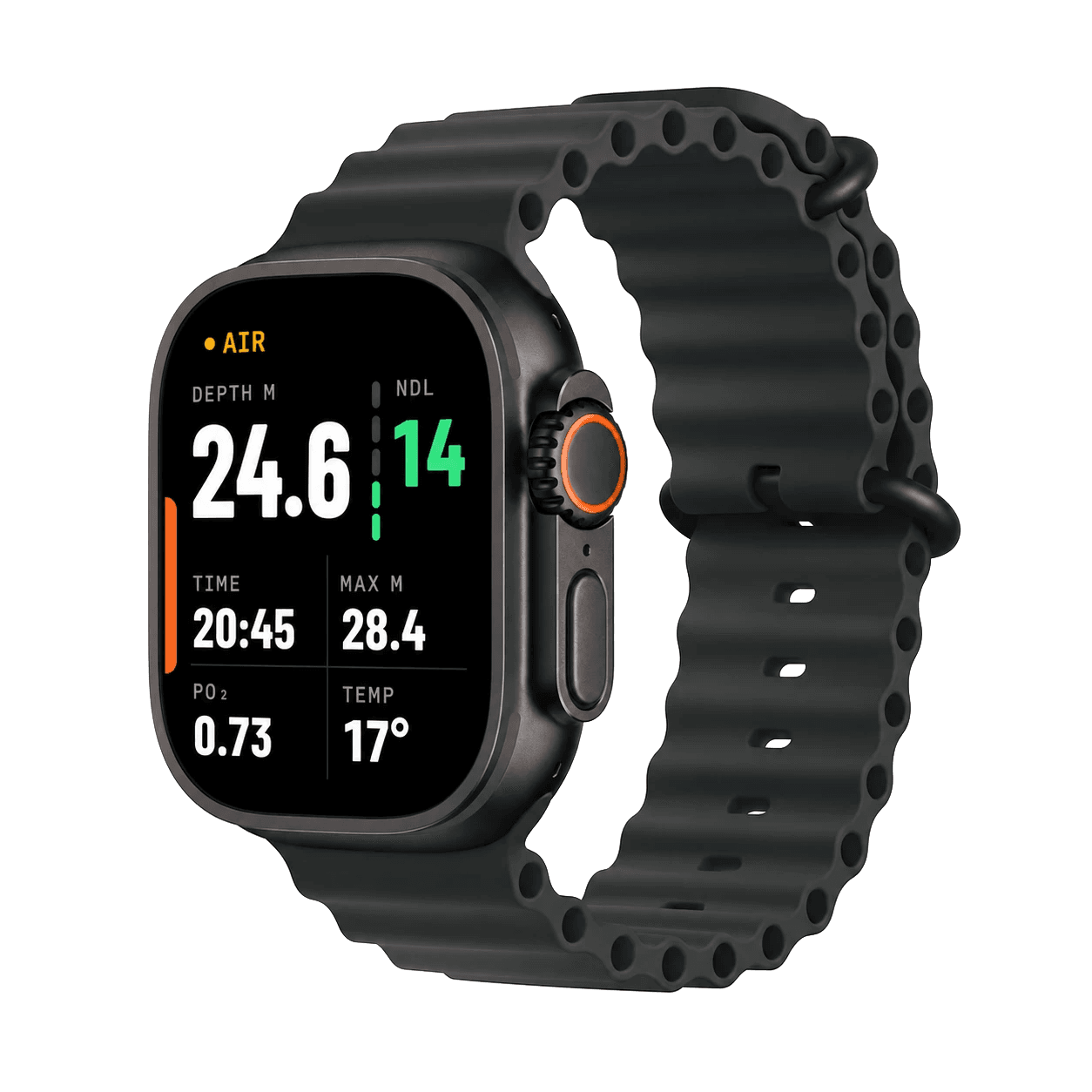
Depth, no-deco limit, stops and gas switches on your wrist. Your logbook, no-fly time and dive map on iPhone.
Free gauge mode · Scuba mode with Ultimate · Needs Apple Watch Ultra and iPhone

ON YOUR WRIST
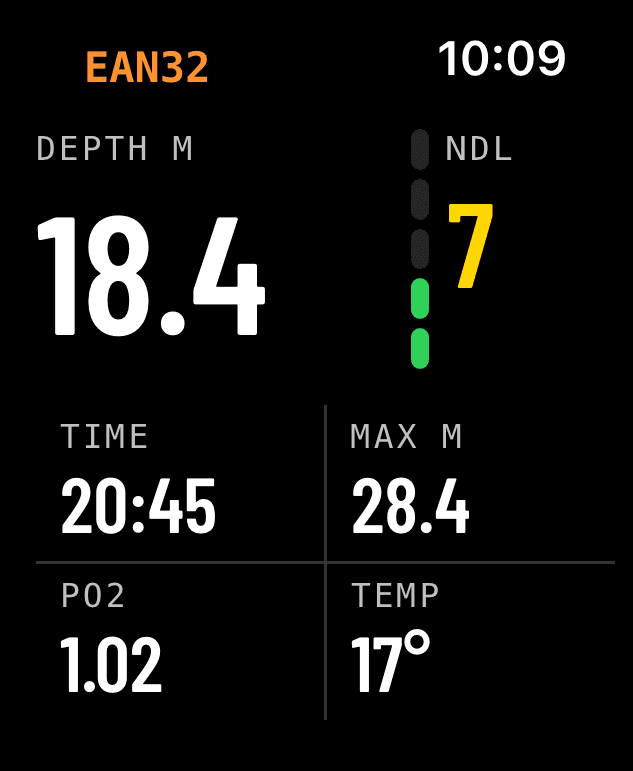
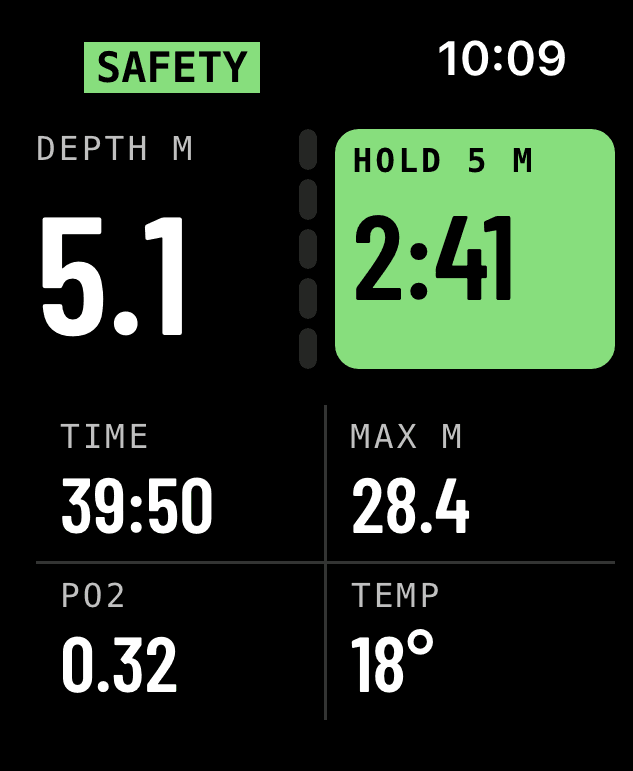
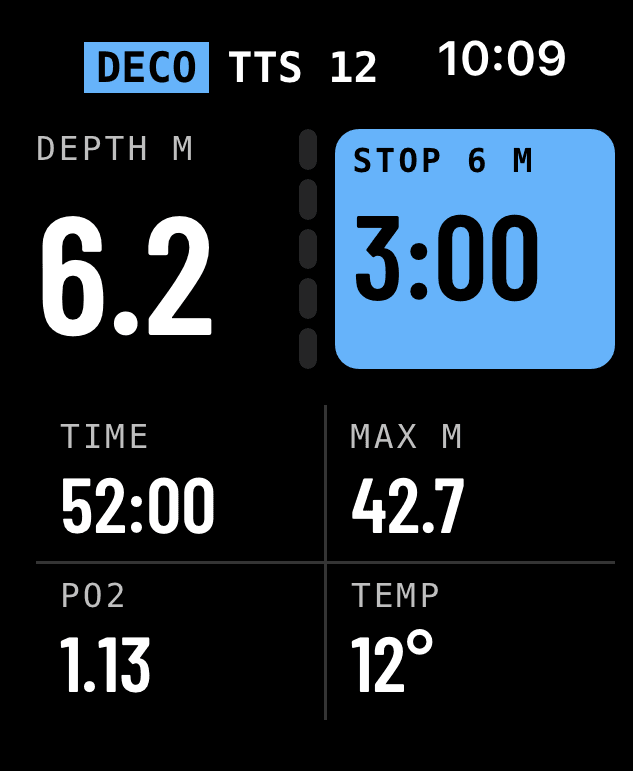
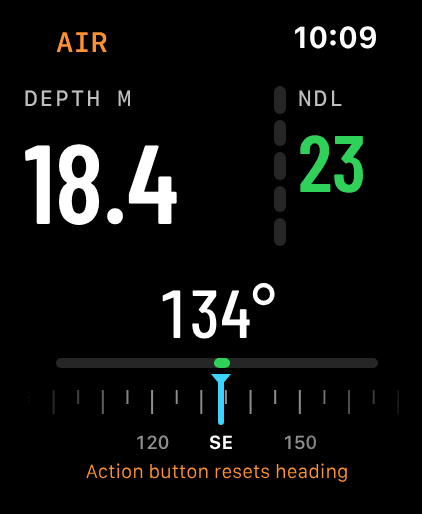
Depth and no-deco limit fill the top of the screen, big enough to read through a mask. When a stop is due, DiveMate counts it down for you.


DIGITAL CROWN
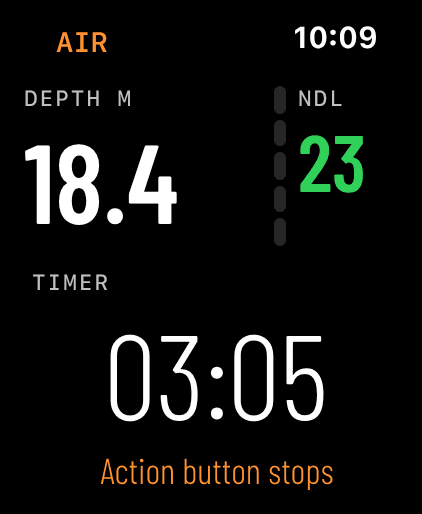
Turn the crown for everything below the main readout. The orange hint on each page tells you what the Action button does there.
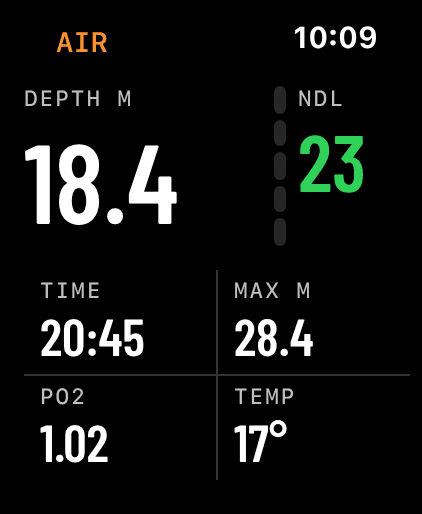
01 · DIVETime, max depth, PO₂ and temperature
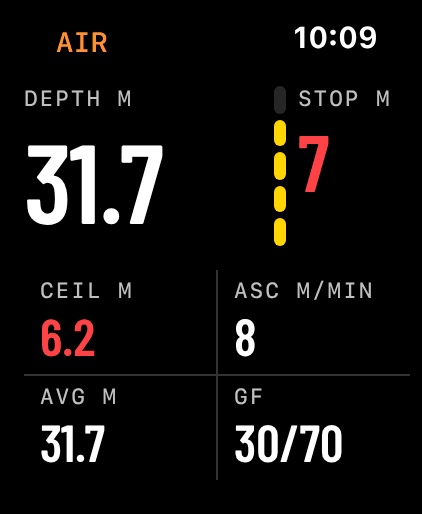
02 · DECOCeiling, ascent rate, average depth, GF
03 · TIMERStart and stop it with the Action button
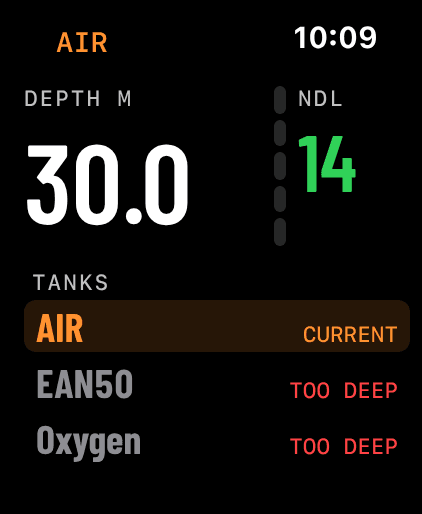
04 · TANKSCurrent tank, plus any too deep or lost
05 · COMPASSHeading and a turn readout to your target
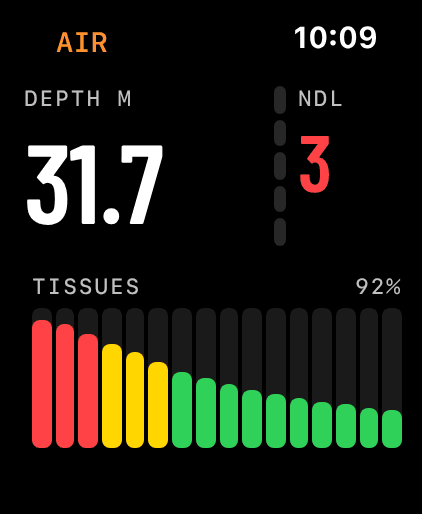
06 · TISSUESAll 16 compartments, green to red
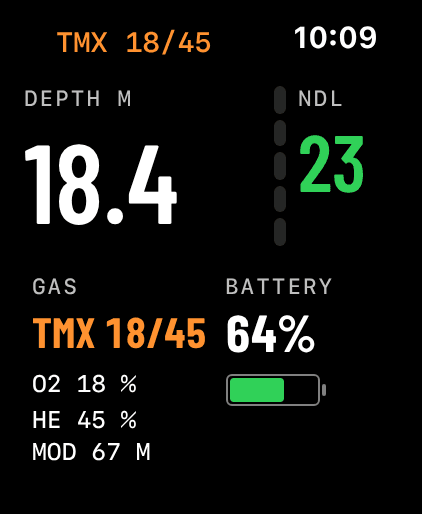
07 · GAS & BATTERYYour mix, its MOD and battery leftGAS SWITCHING
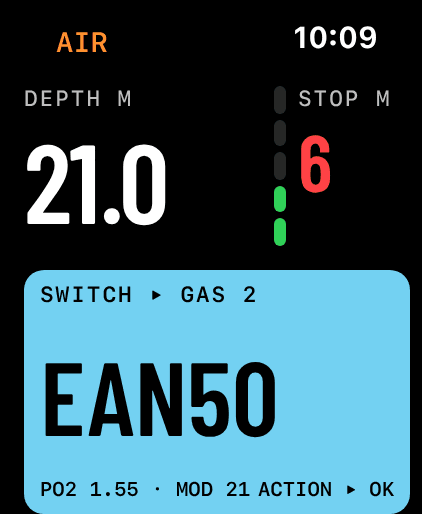
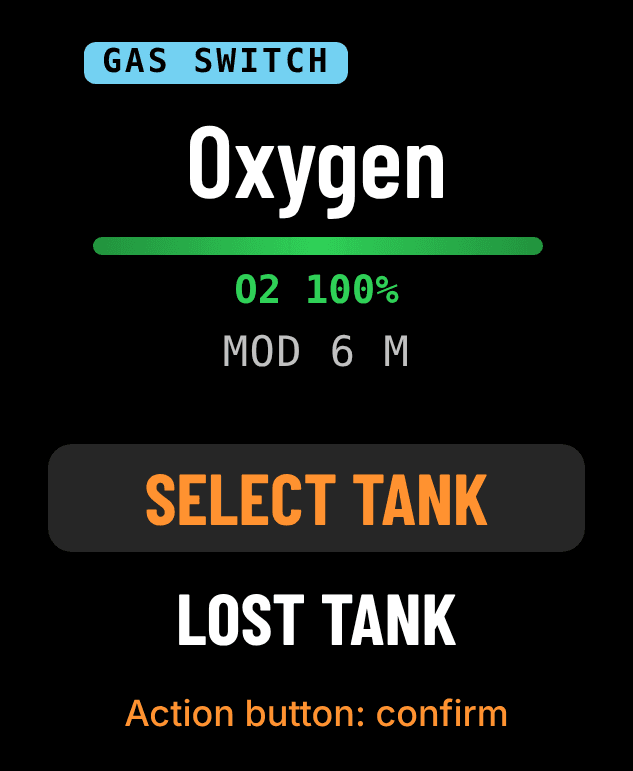
Set up your tanks on the watch: air, nitrox, trimix or oxygen, each as a bottom or deco gas with its own PO₂ limit and MOD. On the way up, DiveMate suggests the switch when it's time. Press the Action button to confirm.


WARNINGS
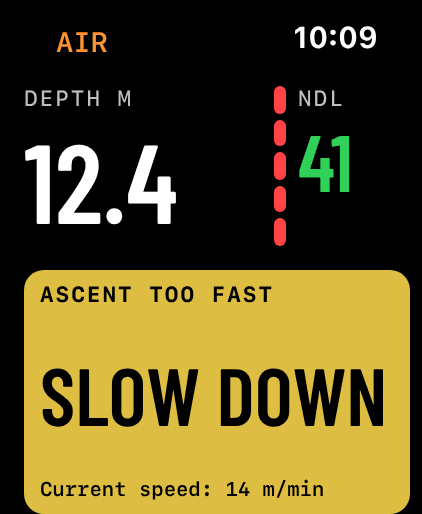
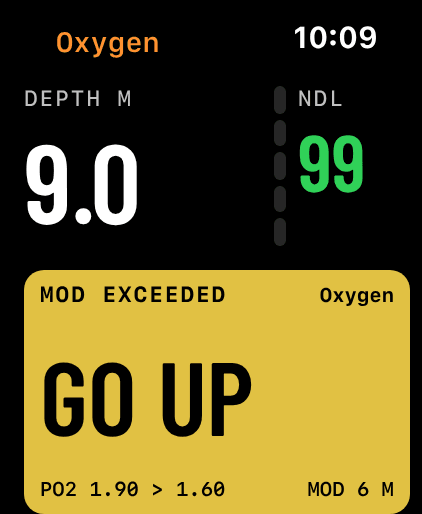
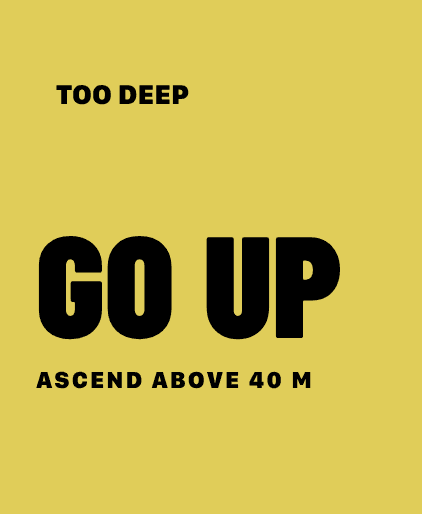
Warnings take over the screen in colours you can't miss, with haptics on your wrist. Set your own limits for ascent rate, max depth, NDL and dive time.
ASCENT TOO FASTPulses until you slow down
MOD EXCEEDEDPulses until you're shallower
TOO DEEPFull screen at your depth limitON IPHONE
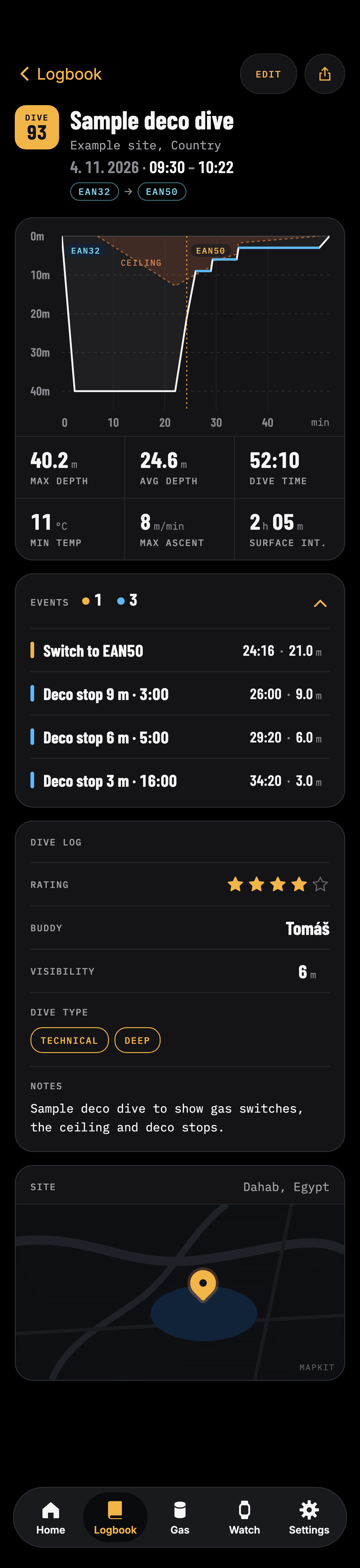
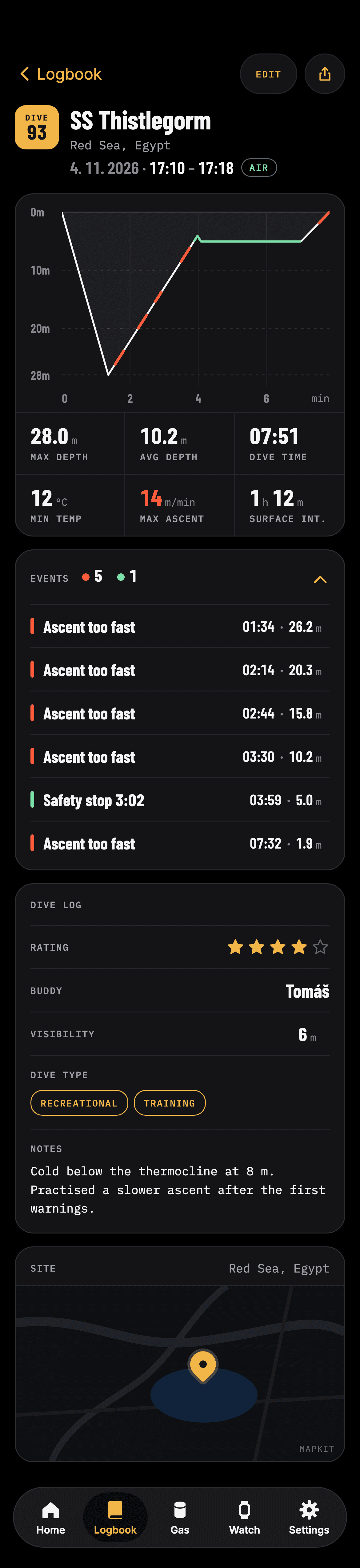
Every dive syncs from your watch to DiveMate on iPhone, with the full profile and every event along the way.
Profile, ceiling, gas switches and every stop, synced from your watch.


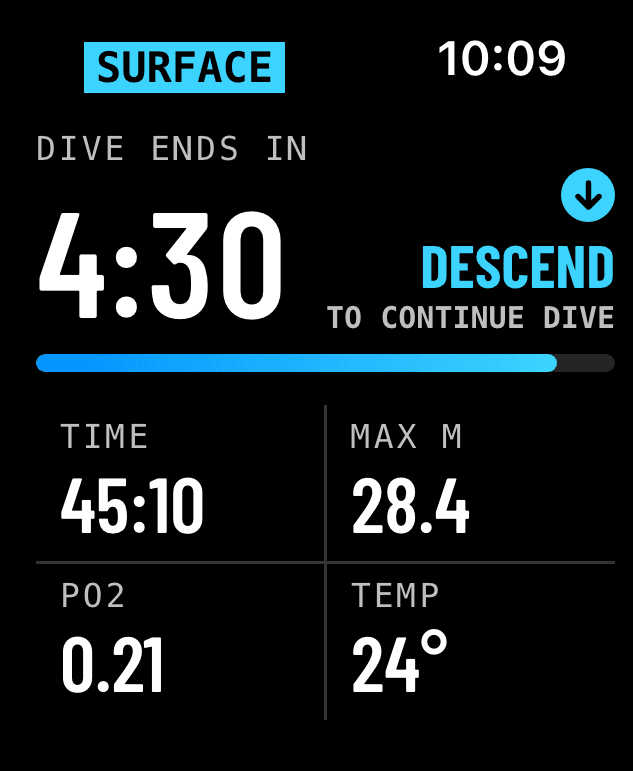
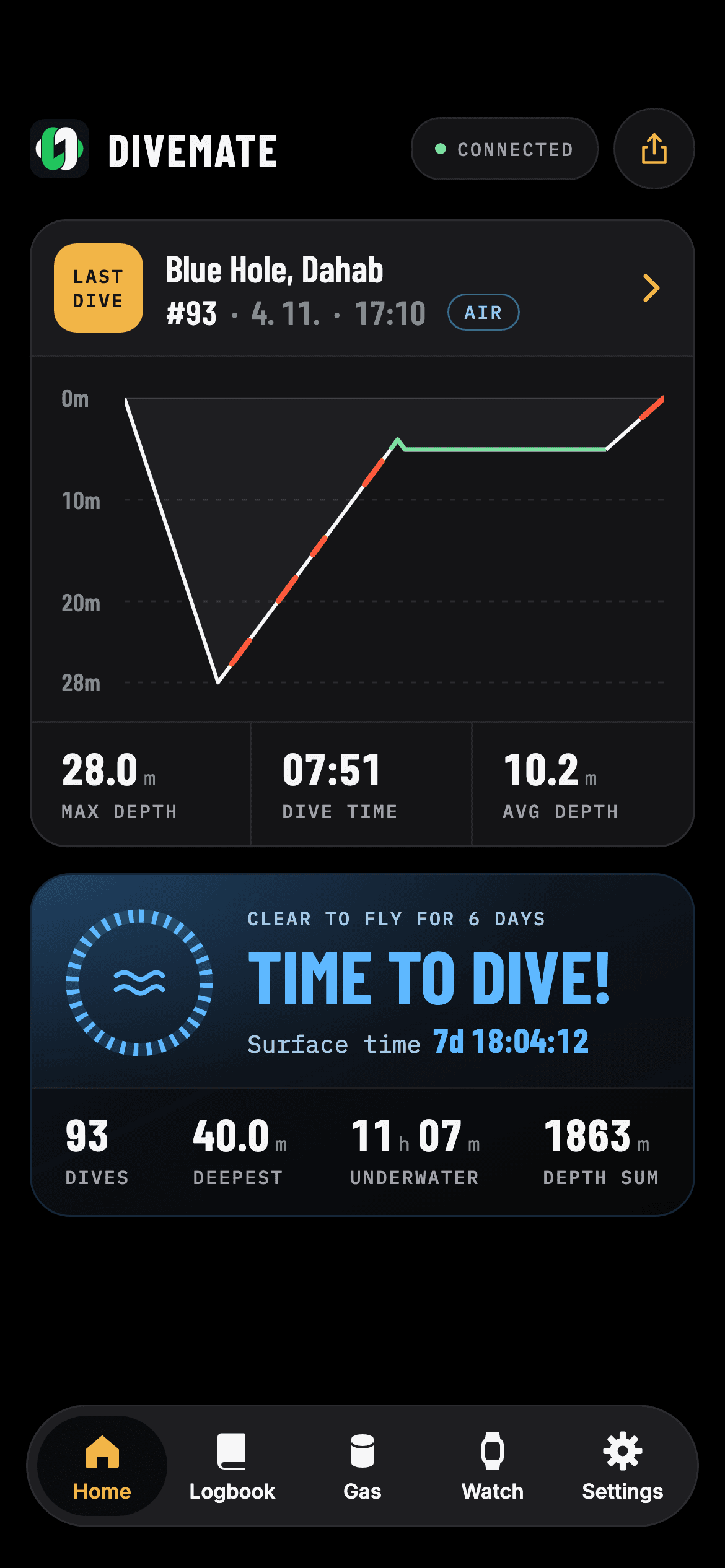
A countdown starts as you surface, with the exact time you can board.


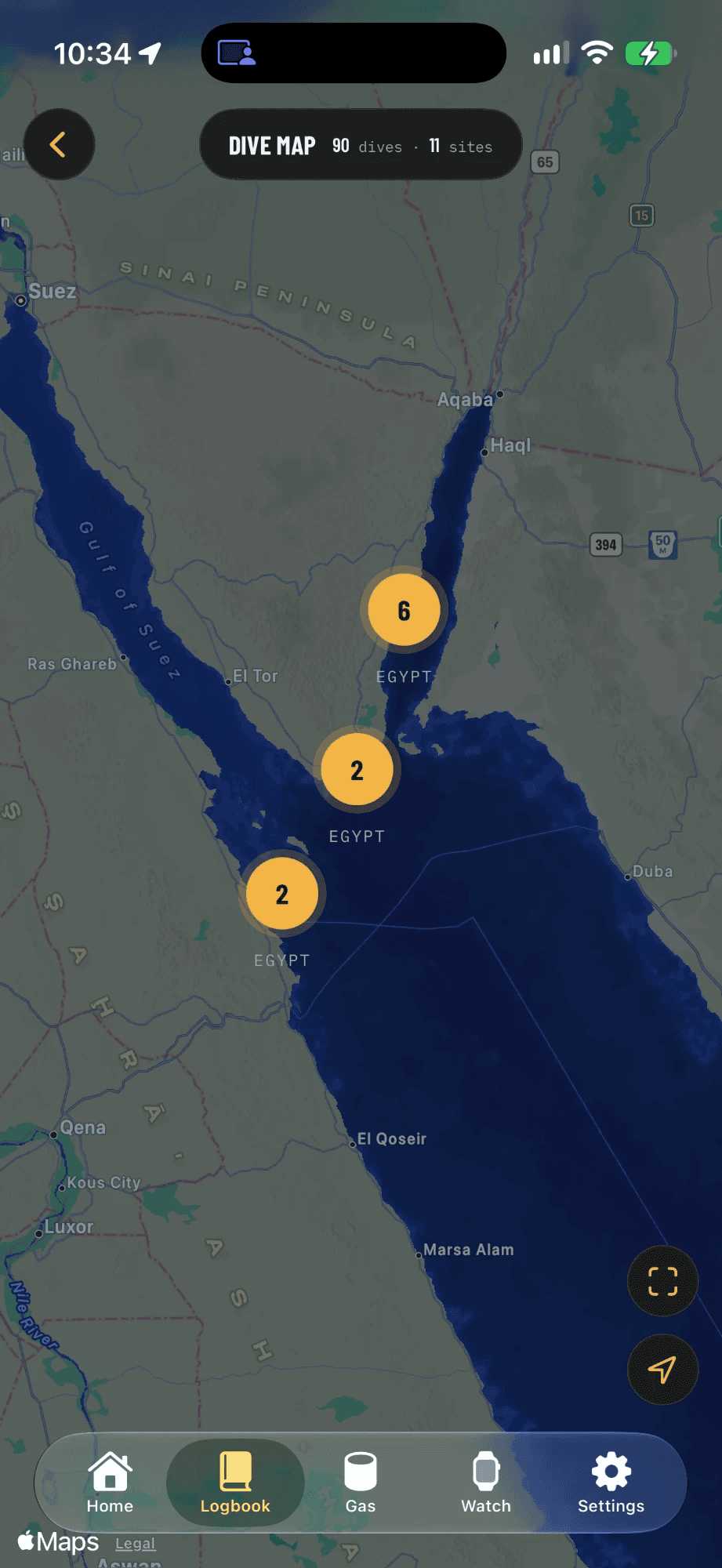
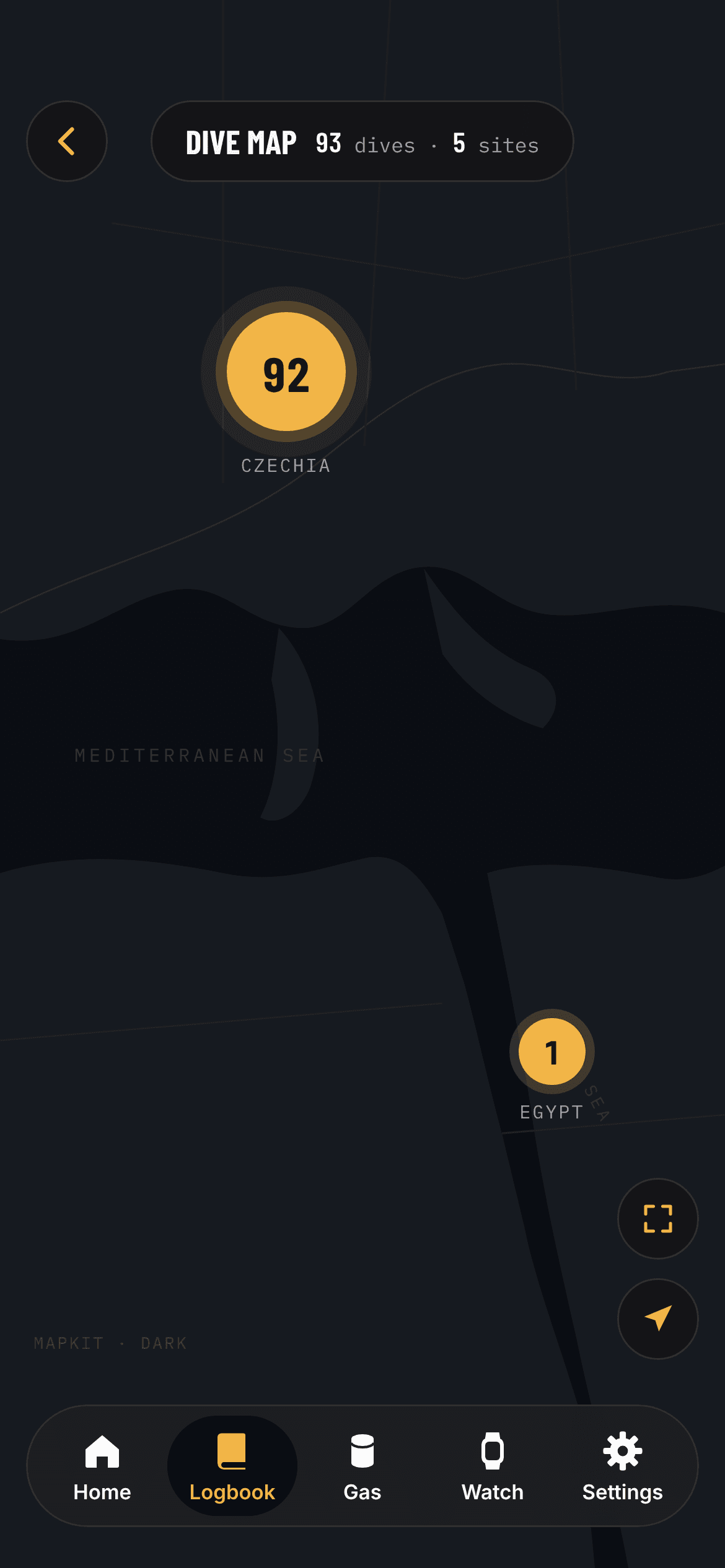
Your dives grouped by site. Tap a pin to open the dive.


A few days after your last dive, Home lets you know it's time to get back in the water.


PRICING
Gauge mode is free on every Apple Watch Ultra. Ultimate unlocks Scuba mode and turns DiveMate into a full dive computer.

No NDL, no stops, no gas plan. You plan the dive yourself.
Download free
Subscribe in the DiveMate app on iPhone.
Get DiveMatePrices in US dollars. Local prices and VAT vary by country. Ultimate renews automatically until you cancel in your Apple Account settings.
FAQ
Apple Watch Ultra, paired with an iPhone. DiveMate reads depth from the Ultra's built-in depth gauge.
Gauge mode (depth, time and max depth) is free, and so is your logbook on the watch and on iPhone. Scuba mode, with the no-deco limit, stops, gases and all seven dive pages, comes with Ultimate: $8.99 a month or $69.99 a year, started in the iPhone app. Local prices and VAT vary by country.
Install DiveMate on your iPhone and sign in with Apple. On the watch, set your units, tanks and alarms in Settings, then tap START DIVE.
Air, nitrox, trimix and oxygen. Each tank is a bottom or deco gas with its own PO₂ limit and MOD, and DiveMate suggests a switch when the next gas is in range.
Yes. Choose them under Conservatism in the watch's Settings. The default is GF 70/85.
Yes to both. Switch units between metric and imperial, and salinity between fresh and salt, in Settings.
If depth isn't current, the screen shows your last depth and how old it is. If it's lost, a full-screen warning tells you to abort the dive.
No. Dive within your training and certification, plan every dive, and follow your training agency's guidance on backup instruments.
READY WHEN YOU ARE
Start free in gauge mode. Go Ultimate for Scuba when you're ready.
Download on the App Store
